
GST/HST access code: find it online in your CRA account or get a new one
Short answer
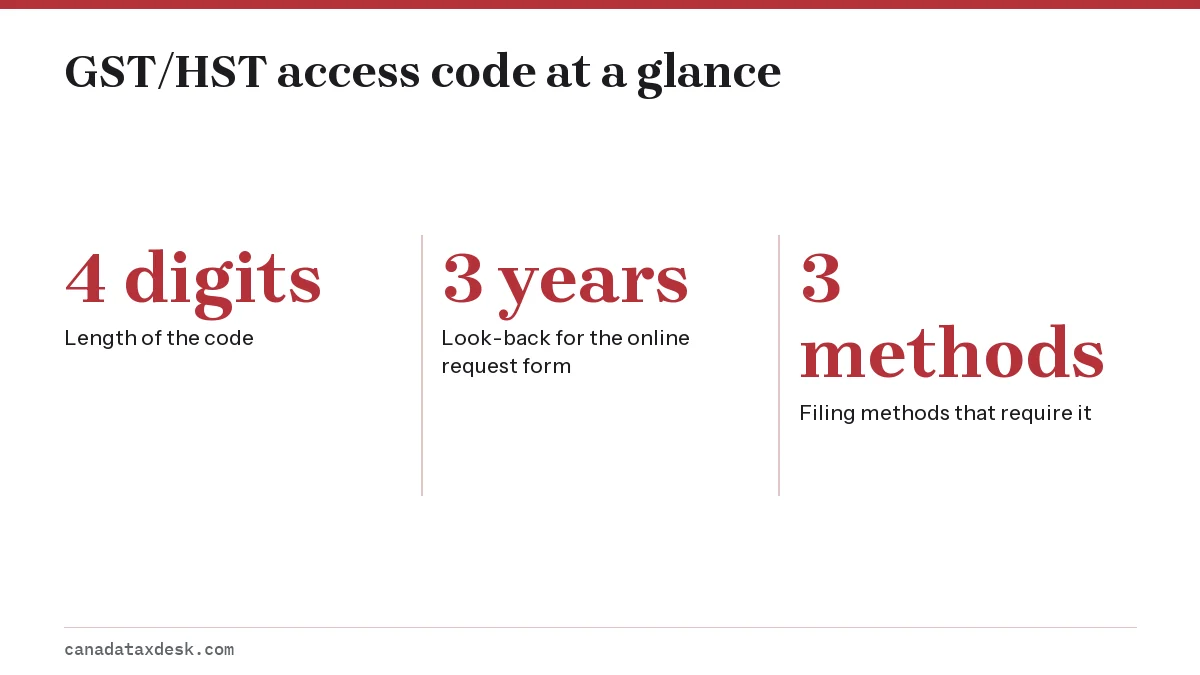
You can find your GST/HST access code online: sign in to your CRA business account, open your GST/HST (RT) account and select View return details. Without an account, get a new 4-digit code through the CRA's online form, using line 109 or the confirmation number of a return for a period ending in the last 3 years, or by phone. You need it only for GST/HST NETFILE, TELEFILE and accounting software; it is not the 8-character personal NETFILE code.
- 01Length
- 4 digits
- 02Needed for
- GST/HST NETFILE, TELEFILE, certified accounting software
- 03Not needed for
- CRA business account, Represent a Client, filing at a bank
- 04Visible in CRA account since
- October 2025
- 05Online replacement requires
- A return filed for a period ending in the last 3 years
What is a GST/HST access code?
A GST/HST access code is a 4-digit number that works like a PIN for your GST/HST account. When you file a return outside a CRA sign-in, the code proves to the Canada Revenue Agency (CRA) that the person filing is connected to the business (CRA, Get or change your GST/HST access code).
The code belongs to the GST/HST account, not to a particular return. It does not expire at the end of a period, and you keep using the same four digits until you replace it.
When do you need the code, and when can you skip it?
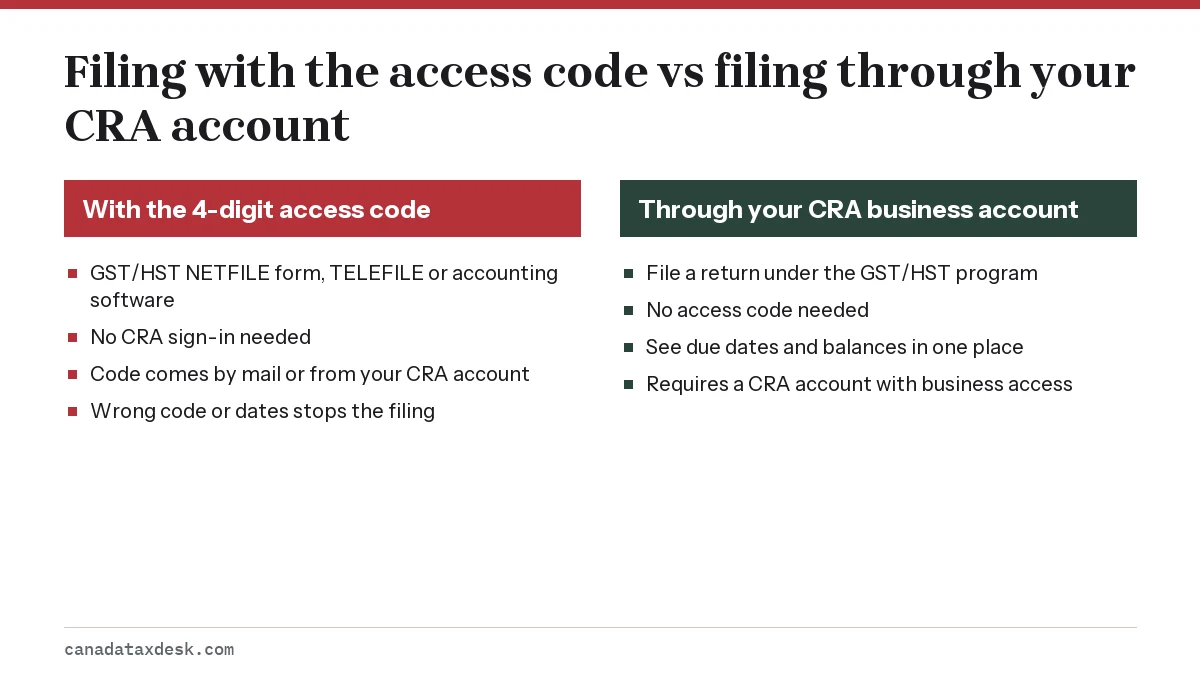
You need the GST/HST access code for three filing methods only. Every other electronic method identifies you another way.
| Filing method | Access code? | Why |
|---|---|---|
| GST/HST NETFILE online form | Yes | No sign-in, so the code verifies you |
| Certified third-party accounting software | Yes | Software sends the return on your behalf |
| GST/HST TELEFILE by phone | Yes | The automated line asks for it first |
| CRA business account (My Business Account) | No | Your CRA sign-in verifies you |
| Represent a Client (accountants, bookkeepers) | No | The representative's authorization verifies them |
| Participating financial institution | No | The bank identifies you |
If you file every period from inside your CRA account, you can go years without needing the code. It only becomes urgent when you switch to the NETFILE form or start sending returns from accounting software.
Where do I find my GST/HST access code?
The quickest place to find your GST/HST access code is your CRA account. Since October 2025, the CRA shows the code online: sign in, open the Business account, choose the GST/HST program account ending in RT, and select "View return details".
In the mail
The code is also printed in the filing package the CRA mails to registrants. Paper filers receive the GST34-2 filing information package, which lists reporting periods, due dates and the access code alongside personalized returns (CRA guide RC4022). Electronic filers are sent an electronic filing package that also contains the code.
How do I request a GST/HST access code if I never got one?
You can request a GST/HST access code in one of three ways. Pick the first one that fits your situation.
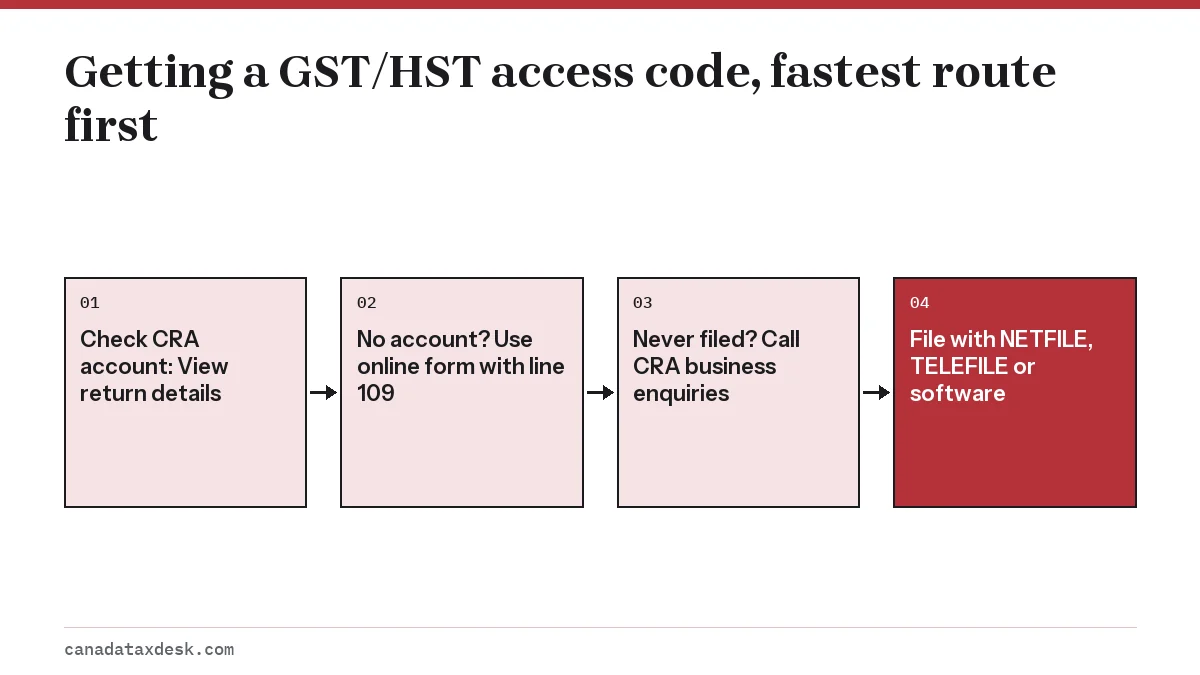
- Sign in to your CRA business account and read the code under View return details. This is instant but needs a CRA account with business access.
- Use the CRA's GST/HST access code online form. Enter your Business Number, then the reporting period and either the net tax from line 109 or the confirmation number of a return you filed electronically, and choose your new code. This only works if you filed a return for a reporting period that ended within the last 3 years.
- Call the CRA's business enquiries line at 1-800-959-5525 from Canada or the United States; other numbers are on the CRA's contact page. The agent will ask identity questions before issuing a code.
The line 109 option works only when the amount on line 109 is not $0.00. If your last return showed zero net tax, use the confirmation number of a return you filed electronically, sign in to your CRA account, or call.
Worked example: using line 109
A Saskatchewan contractor last filed an annual return for 2025 showing net tax of $2,184 on line 109. To request a GST/HST access code online in 2026, she enters her 9-digit Business Number and 2184 in the line 109 field. If she had registered only this year and never filed, the form would not work for her, and she would sign in to her CRA account or call instead.
How do I change my GST/HST access code?
You change the code through the same GST/HST access code online service used to request one, or by phone with the CRA. Reasons to change it include a former bookkeeper who knew the code, a lost filing package, or a code you suspect someone else has used.
After a change, the old code stops working for NETFILE, TELEFILE and software filing. Update the code saved in your accounting software before your next return, or the software transmission will be rejected.
What if the code is rejected?
- Check the account number: if the business has more than one RT account (for example RT0001 and RT0002), enter the one the code was issued with.
- Check the reporting period dates: a date mismatch on NETFILE can look like a code problem.
- Confirm the code has not been changed by someone else with access to the account.
- If you still cannot get in, file from your CRA account instead so you meet the due date.
Filing without the code: the CRA account route
If your due date is close and you have no code, the fastest fix is often to file without one. Signing in to your CRA account and choosing File a return under GST/HST files the same return, no access code required.
Registering a new CRA account can itself take time, because business access can require a CRA security code sent by mail. If you are short on time, have an accountant with Represent a Client authorization file for you. Missing a due date while waiting for a code still triggers late-filing penalties when there is a balance owing.
For the online form itself, read our GST NETFILE walkthrough. For which lines to fill in, see how to file a GST return, and for the bigger picture of registering, charging and remitting, start with our GST/HST small business hub.
Common questions
Is the GST/HST access code the same as my Business Number?
No. Your Business Number is a public 9-digit identifier printed on invoices. The access code is a private 4-digit code used only to file returns, and you should not share it with customers.
Does my GST/HST access code change every year?
No. The code stays the same for every reporting period until you or the CRA change it.
Can my accountant file without my GST/HST access code?
Yes, if they are authorized as your representative and file through Represent a Client. If they use accounting software outside Represent a Client, they will need your code.
Can I get a GST/HST access code online if I just registered?
Not through the online request form, because it needs a return filed for a period ending in the last 3 years. New registrants should look in their CRA business account, wait for the filing package, or call the CRA.
Does accounting software need the GST/HST access code to file?
Yes. Returns sent from certified third-party accounting software use the CRA's GST/HST Internet file transfer service, which asks for your 4-digit access code.
Sources
- Get or change your GST/HST access code canada.ca
- How to file a GST/HST return canada.ca
- File a GST/HST return using the online GST/HST NETFILE form canada.ca
- RC4022 General Information for GST/HST Registrants canada.ca
We check figures against these official pages. Rules change; confirm anything that affects a deadline or payment with the agency before you act.
Tell us what happened
Describe your situation and our editors will use it to improve this guide. If you leave your email, we may reply with a pointer to the right page or official contact. We never share your details.
Related guides
 GST/HST for Small Business: Register, Charge, File and Pay
A Canadian small business must register for GST/HST once its taxable sales pass $30,000 in one calendar quarter or over four cons…
GST NETFILE: How to File Your GST/HST Return Online
GST NETFILE (officially GST/HST NETFILE) is the CRA's free online form for filing a GST/HST return without signing in to a CRA ac…
NETFILE Access Code: Where to Find It on Your NOA in 2027
The NETFILE access code is an 8-character code of letters and numbers printed on the right side of your most recent notice of ass…
How to File a GST Return in Canada: Lines and Steps
To file a GST return in Canada, total your sales and the GST/HST you charged for the period, subtract the GST/HST you paid on bus…